OpenClaw Mission Control
Mission Control for OpenClaw AI agents: a real-time dashboard showing status, thinking and tool calls of several agents working in parallel, with an integrated chat.
What is it?
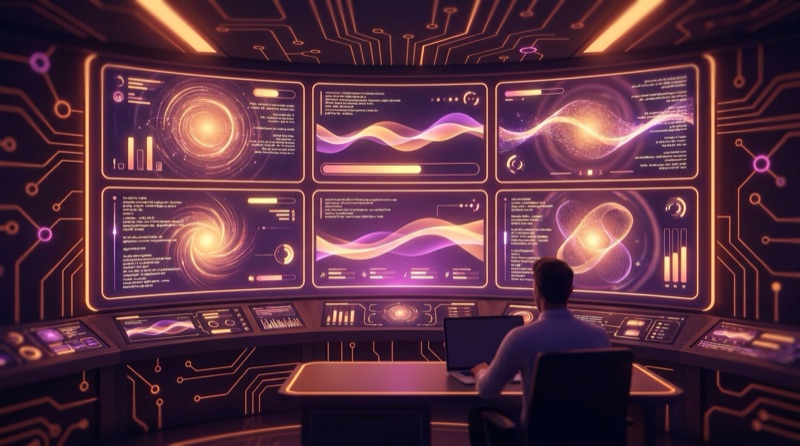
Mission Control for OpenClaw agents: a real-time dashboard that shows what every AI agent is doing at any given moment — whether it's thinking, which tool it's running, and what it's returning — with several agents working in parallel visible on a single screen.
It reads each agent's session JSONL files passively and broadcasts changes over WebSocket so the dashboard updates instantly. It also includes an integrated chat bar to send prompts straight to the main agent without leaving the dashboard.
Why I built it
Working with several specialized AI agents at once changes how you relate to AI: you stop "chatting" linearly with a single model and start directing a team of agents in parallel. As a Product Manager, that's an orchestration skill, not just prompting — you need to see at a glance who's thinking, who's running a tool and who's finished, so you can step in where it matters.
The problem is that by default each agent lives in its own session, with no cross-visibility. This dashboard solves that: a single control point to see everyone's status, with better token efficiency, accuracy and speed when directing the work.
How it works
Backend
A Node.js + Express server watches OpenClaw's session directory with chokidar (one .jsonl file per agent) and parses each new event: thinking blocks, tool calls and text output. Every state change is broadcast over WebSocket to all connected clients.
It also exposes a minimal REST API, with a POST /api/chat endpoint that sends a prompt to the main agent in the background; the watcher itself picks up the resulting activity and pushes it to the dashboard, so the frontend never has to poll.
Frontend
React 19 + Vite + Tailwind, with an AgentCard per agent showing its state (thinking, executing, waiting, idle) with color-coded visuals, a Markdown-rendered thinking bubble, badges for tools in use, and the latest output. Each card scrolls independently so context isn't lost when several agents are active at once. A chat bar fixed at the bottom lets you type a prompt and send it to the main agent right from the dashboard.
Deployment
Frontend and backend are served from a single port via Express (static files + WebSocket + API), which cuts everything down to one browser tab and zero CORS configuration. Managed with PM2 to keep it running 24/7, hosted on a personal Hostinger VPS.
Stack
- Frontend: React 19, Vite, TypeScript, Tailwind CSS, react-markdown
- Backend: Node.js, Express, TypeScript,
ws(WebSocket), Chokidar (file watching) - Process: PM2 for 24/7 production
- Infrastructure: Hostinger VPS
Status
In production, deployed on a personal VPS. It's an internal tool I use daily to monitor my own OpenClaw agent workflows running in parallel.